 TikPlays
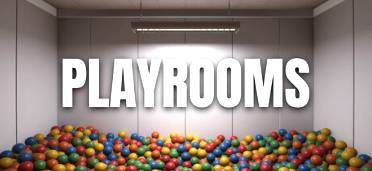
Clean the playrooms before the lights go out — while chat dumps balls back in, throws you in jail and sends the creature after you.
A small TikPlays bridge connects Playrooms (Two Pixels, on Steam) to your TikTok Live. It loads a mod into the running game — nothing in the game folder is touched — and plays every gift through the game's own systems: real balls, real money, the real creature.
Twenty gifts help you clean: cash and paydays, speed, super jumps, endless stamina, a triple bag, turbo hands, a boosted vacuum and flashlight, a ball magnet, every ball around you flying into the pit, auto deposit, a harmless or banished creature, lights back on at night, more daylight, a trip home, low gravity, a troll shield and a clean slate.
Twenty undo your work: balls dumped back into the room — or the whole room refilled — jail, a ball tax, a spilled bag, slow walking, a freeze, no jumping, a tiny bag, no stamina, a dead flashlight, lights out, a jumpscare, the creature summoned behind you, night falling early, reversed controls, a spin, an inverted mouse, a yeet and getting lost in a random room.
Every gift shows up in an in-game feed with the viewer's name, under a strip with the room you're in and how many balls are left in it. Follows, likes, shares and viewers joining the live can be mapped to any action too.
41 mappable actions — assign any of them to any TikTok gift on your dashboard.
Three steps, and nothing that needs port forwarding.
One subscription unlocks all 68 interactives, plus Spotify requests, gift TTS and PC actions.
Get startedSetup walkthroughs and which gifts to map to what.
Same subscription, same dashboard.
 BO2 Zombies
 BO1 Zombies
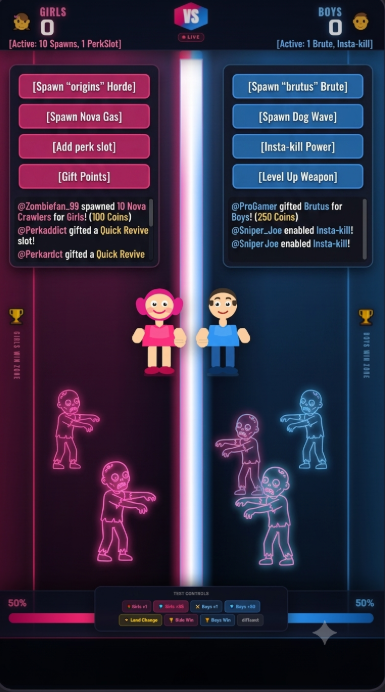 Boys vs Girls
 Rust
 Terraria
 Granny
 How to Fish
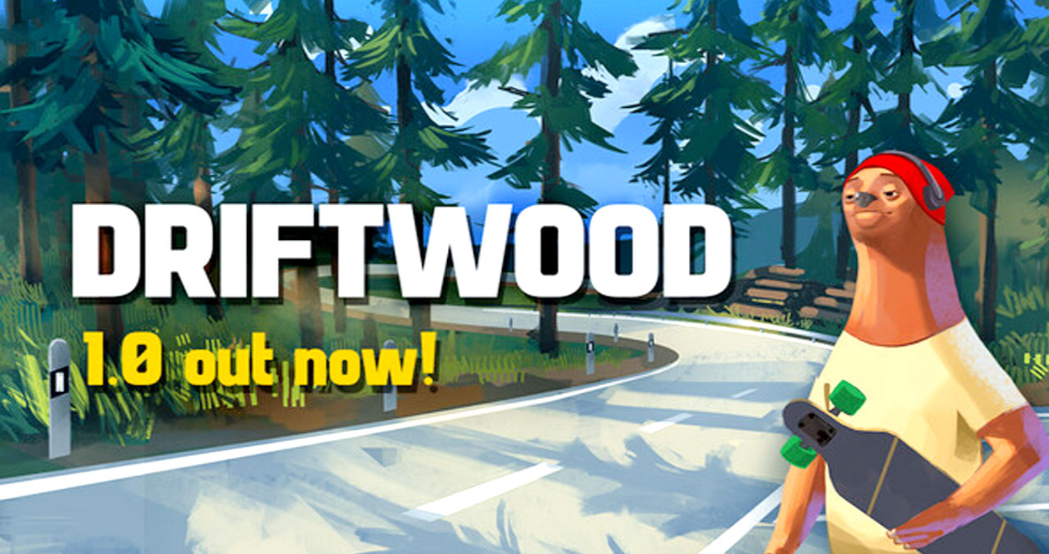 Driftwood
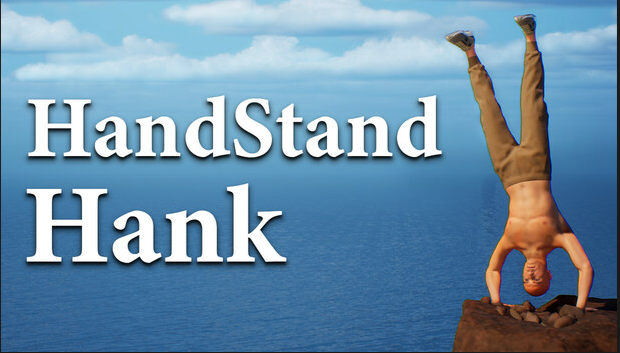 Handstand Hank
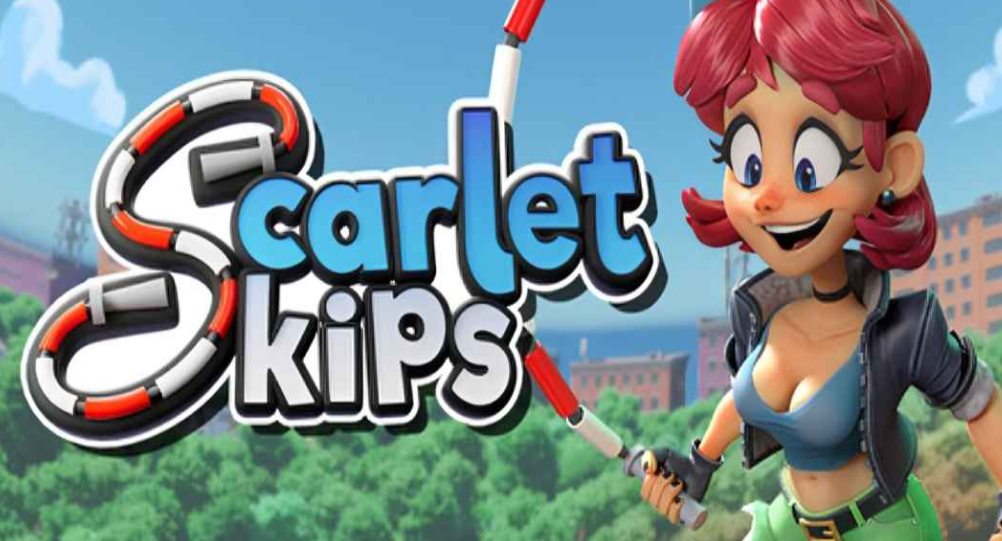 Scarlet Skips
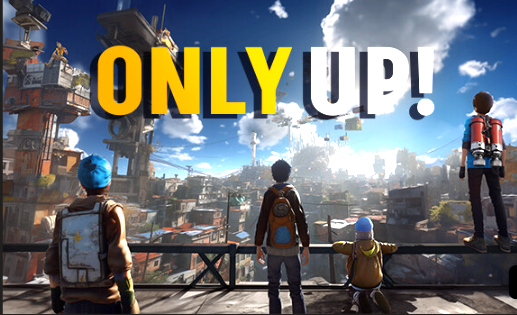 Only Up!
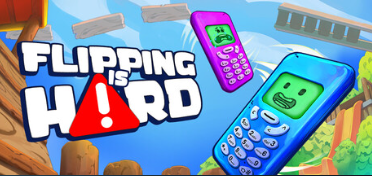 Flipping is Hard
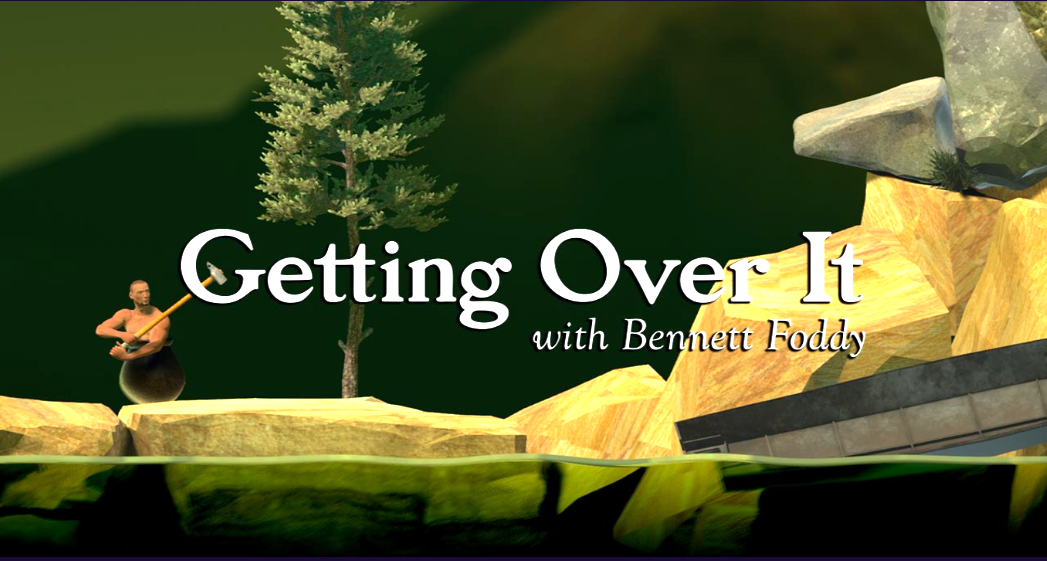 Getting Over It
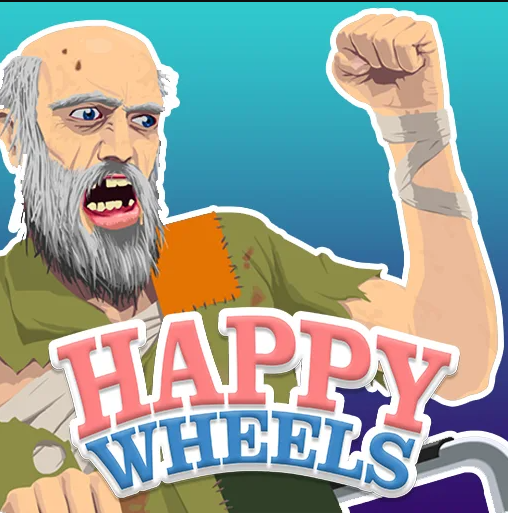 Happy Wheels
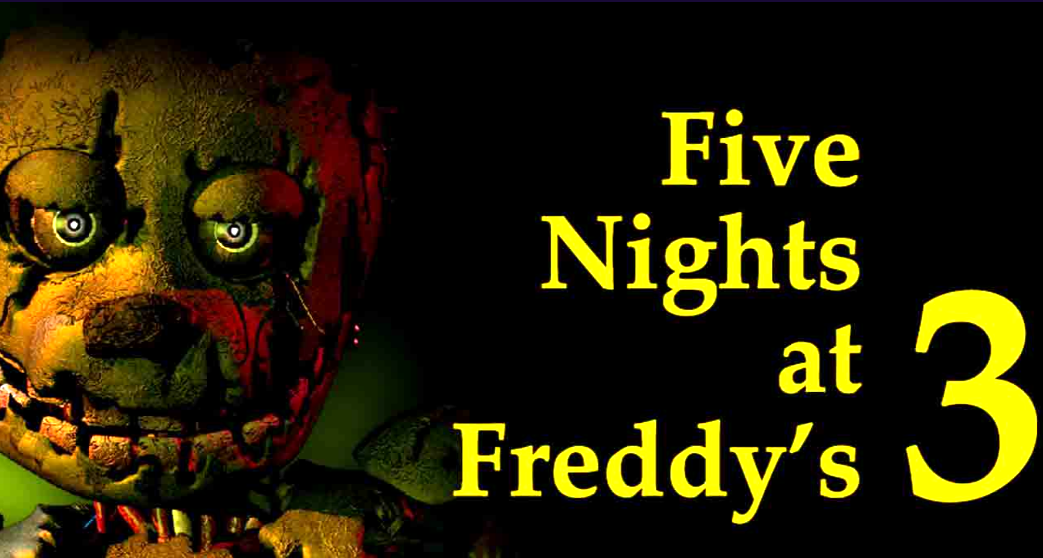 Five Nights at Freddy's 3
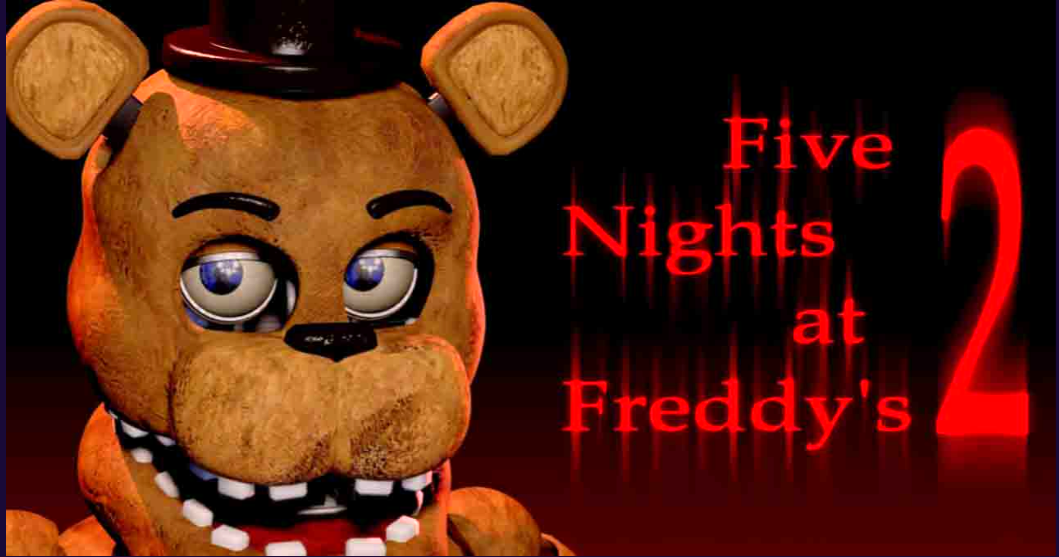 Five Nights at Freddy's 2
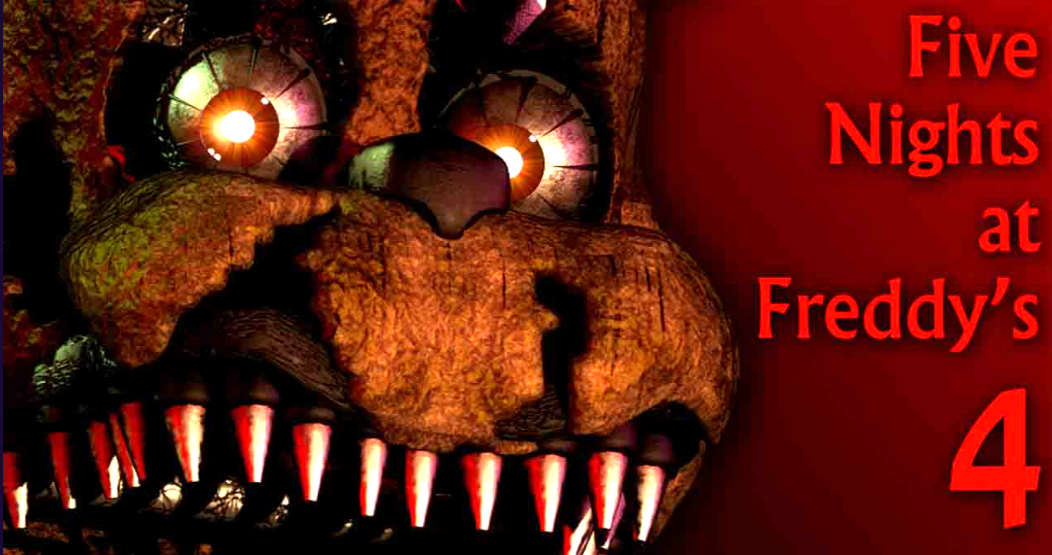 Five Nights at Freddy's 4
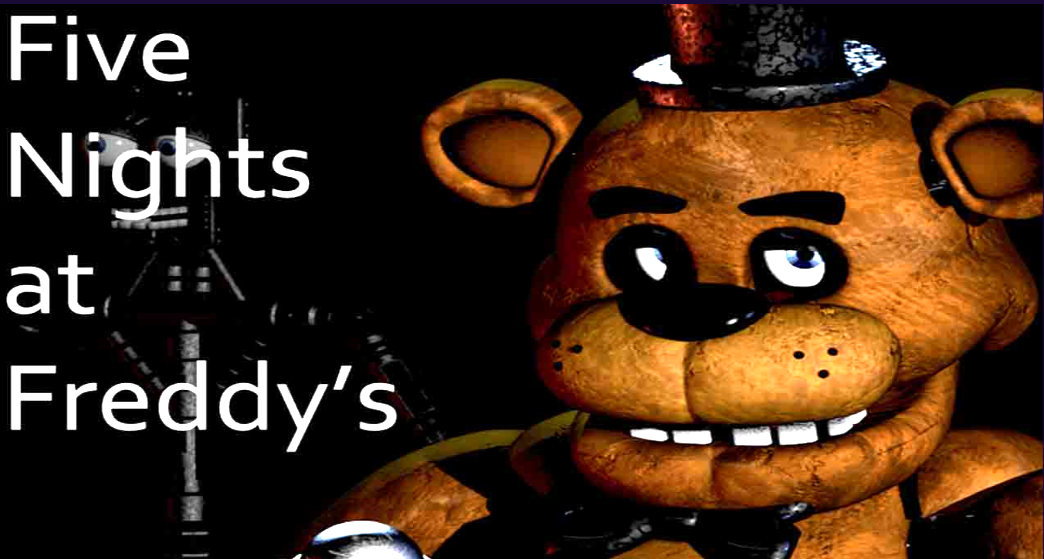 Five Nights at Freddy's
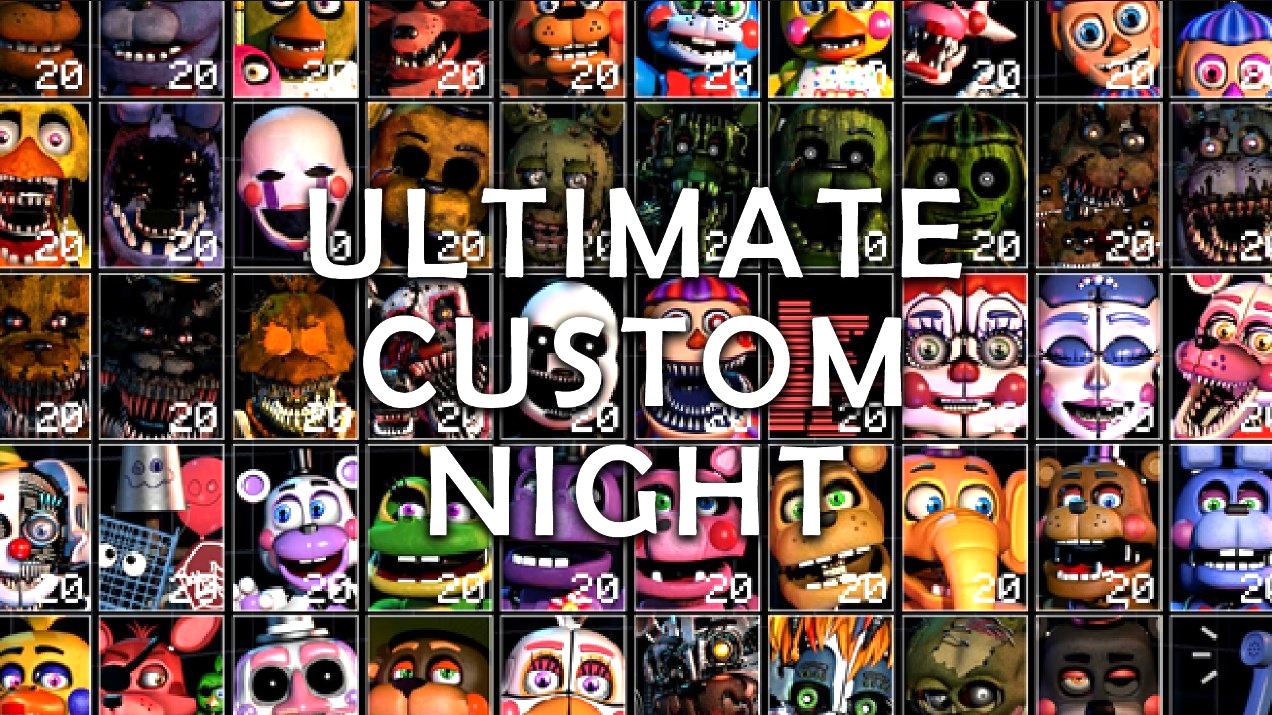 Ultimate Custom Night
 Resident Evil 3: Nemesis
 Plants vs. Zombies
 The Plan
 One Million Coins
 Shred a Billion
 Clustertruck
 Schedule I
 Lethal Company
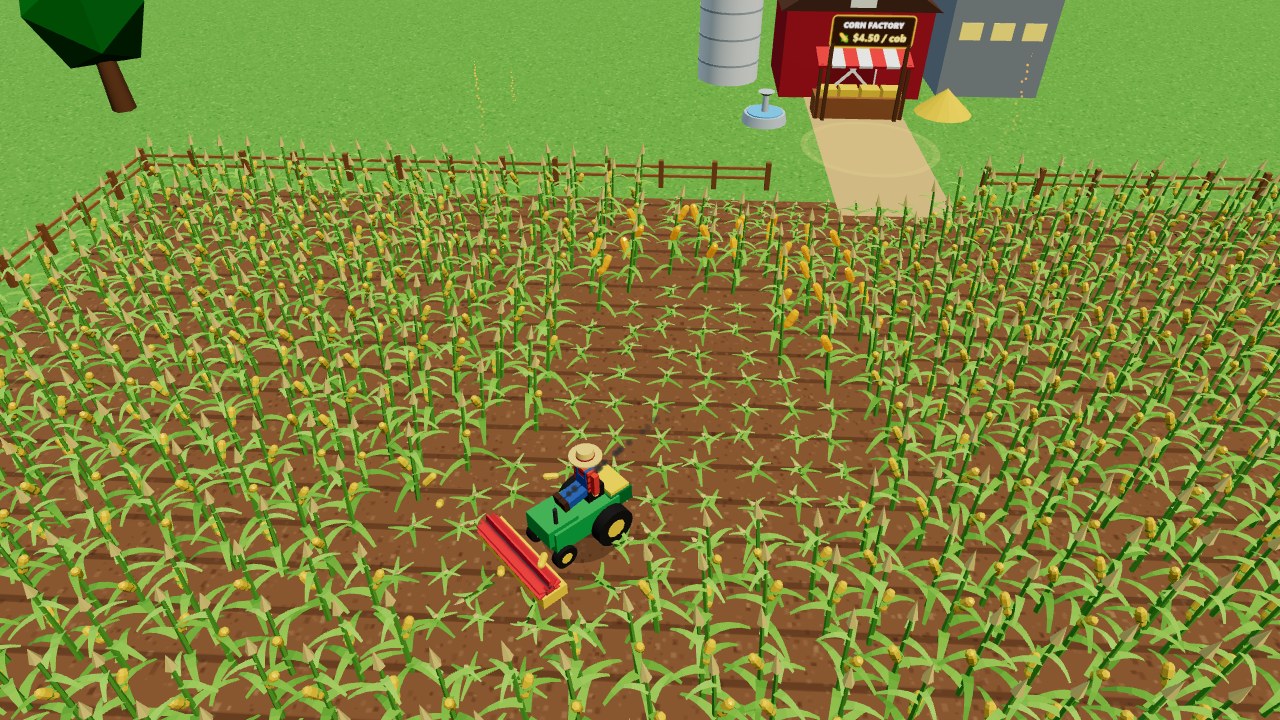 Corn Rush
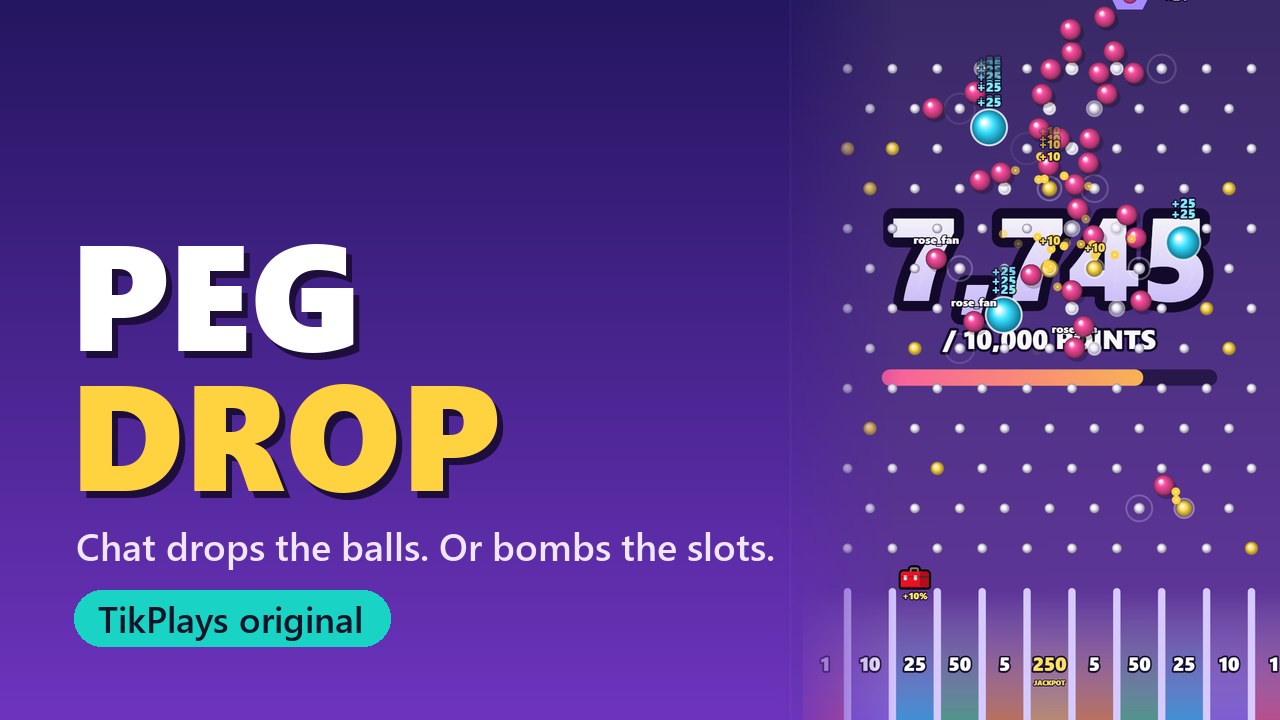 Peg Drop
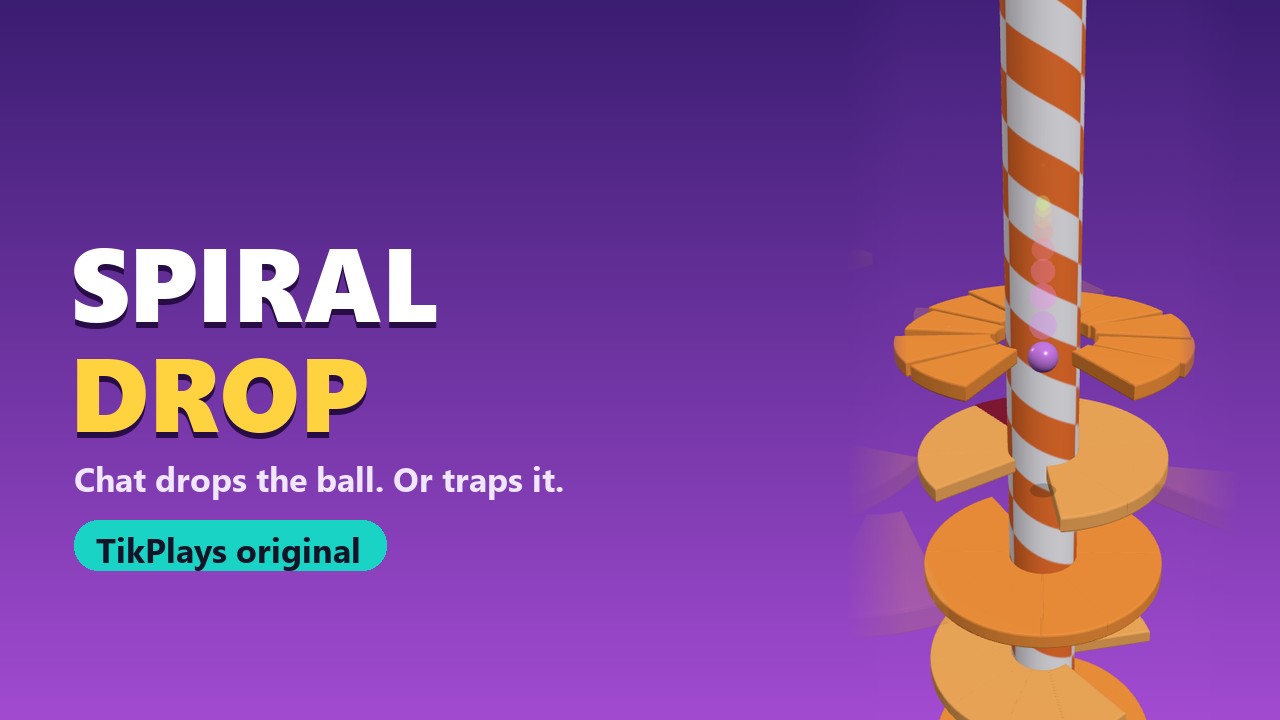 Spiral Drop
 One More Lawn
 Punch The Walls
 Hello Neighbor Alpha 3
 Hello Neighbor Alpha 1
 Minefall
 Pyroworks
Minecraft Parkour
 Marbles on Stream
 Fallout 3
 Moon Sweepers
 Star Fetchers
 Yume Nikki
 Palworld
 Get To Work
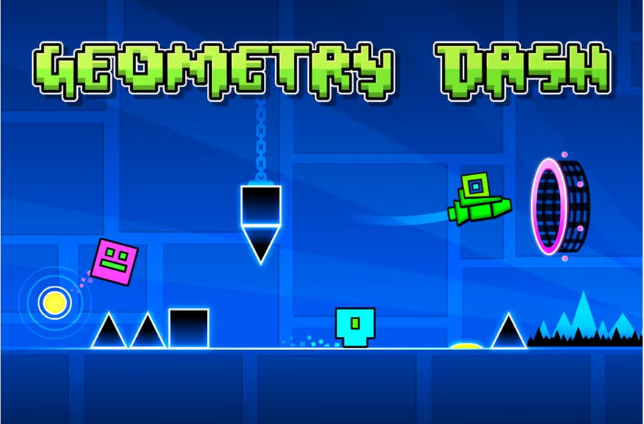 Geometry Dash
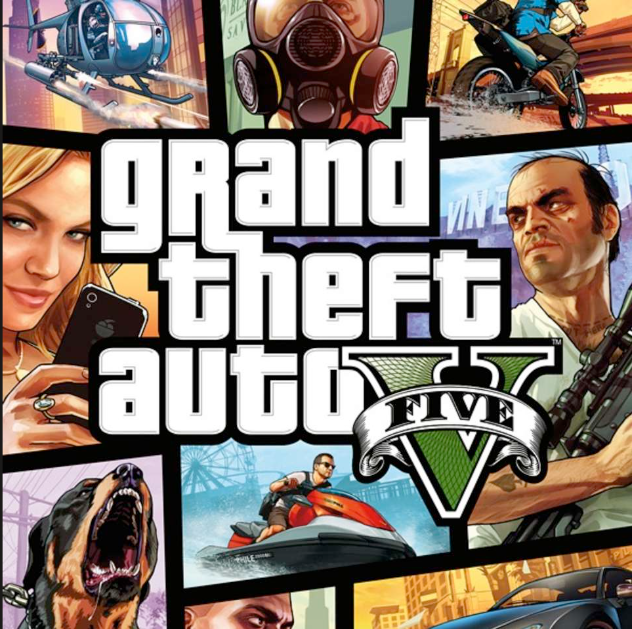 GTA V KOTH
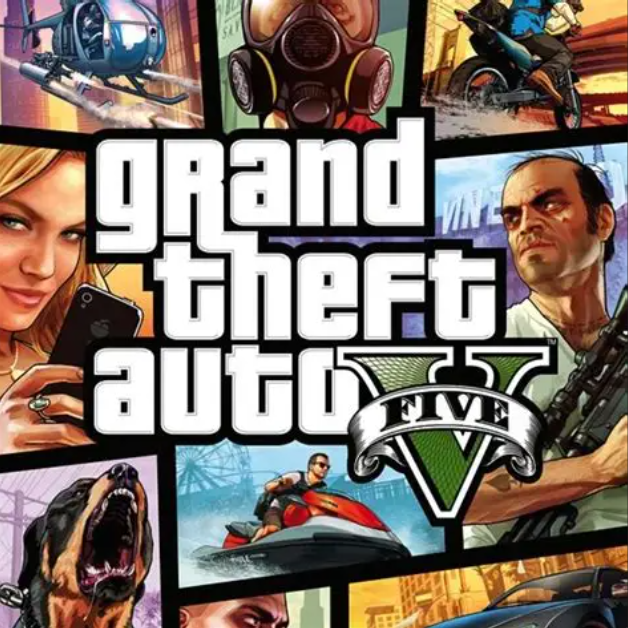 GTA V Free Roam
GTA V Viewer vs Viewer
GTA V Train Driver
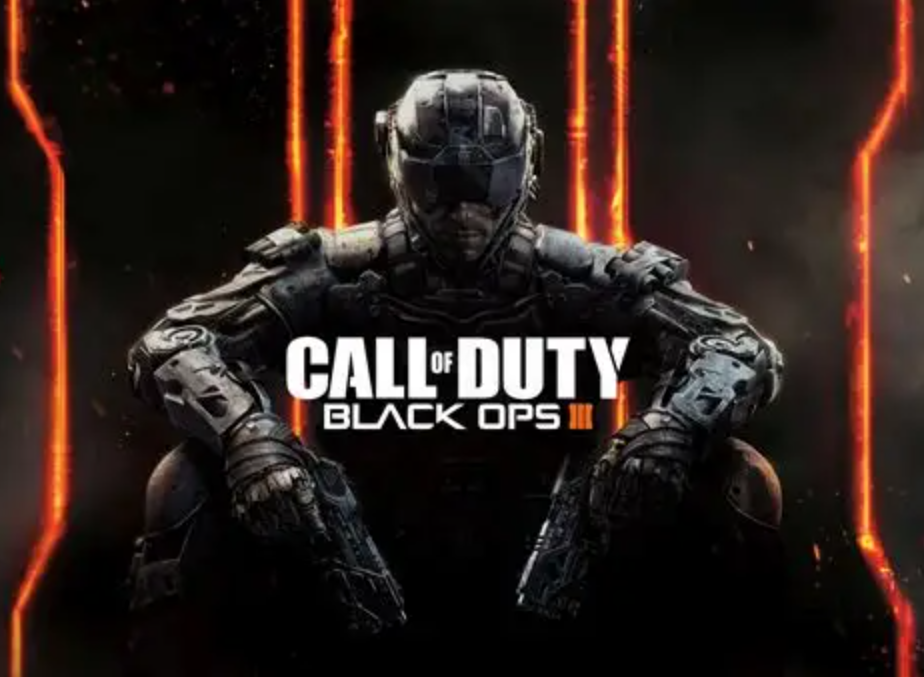 BO3 Zombies
Minecraft
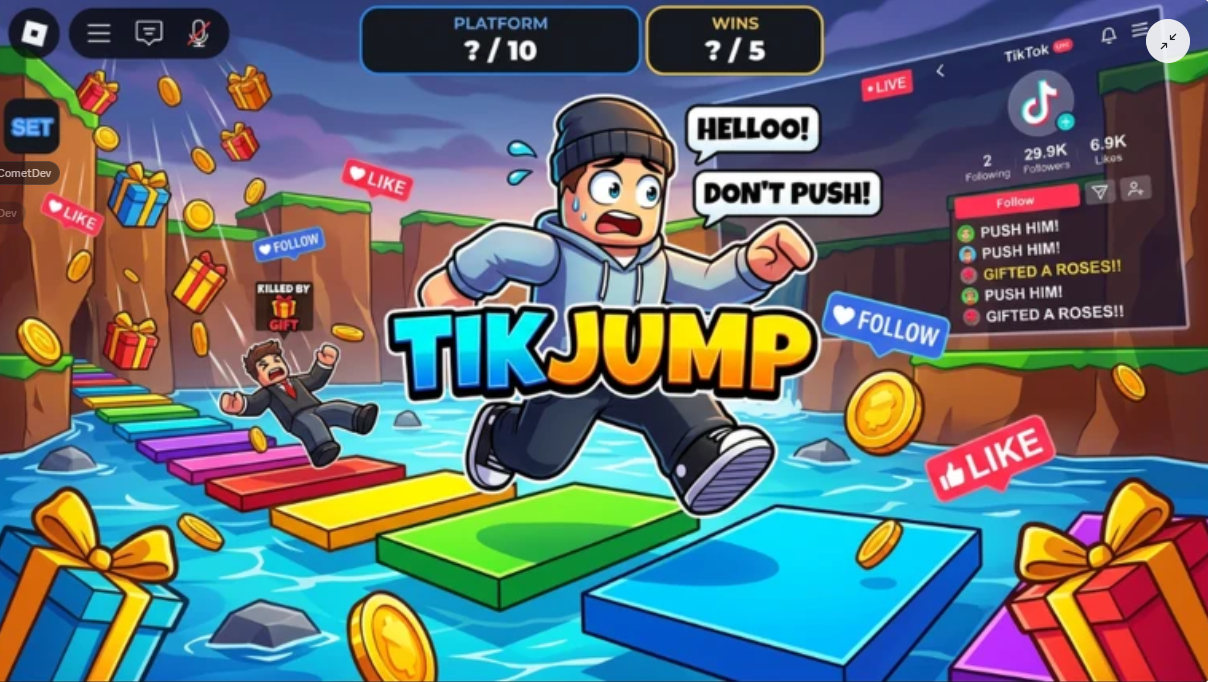 TikJump
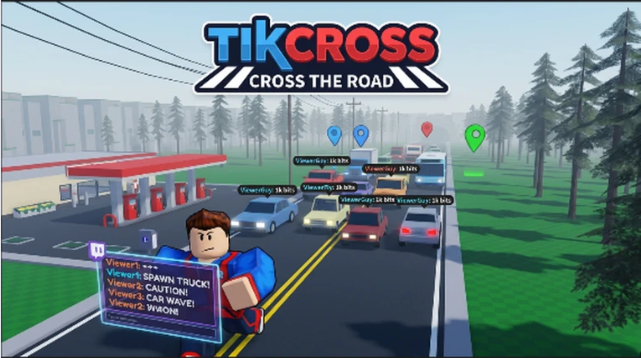 TikCross
 TikRoad
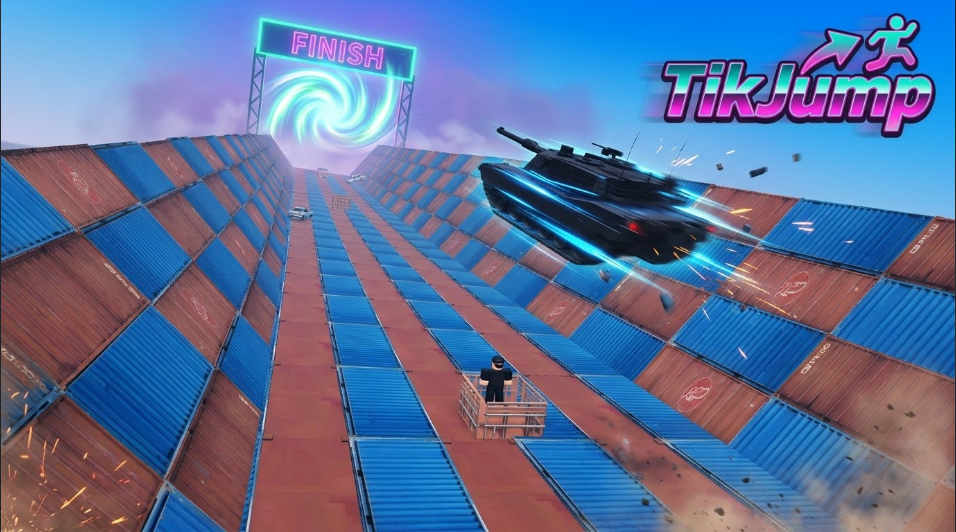 TikRamp
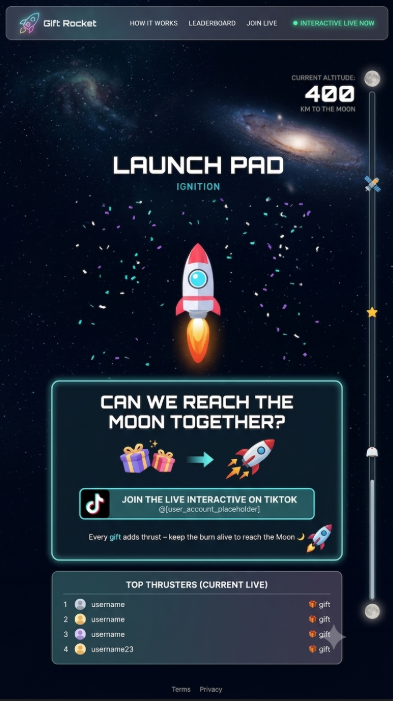 Gift Rocket
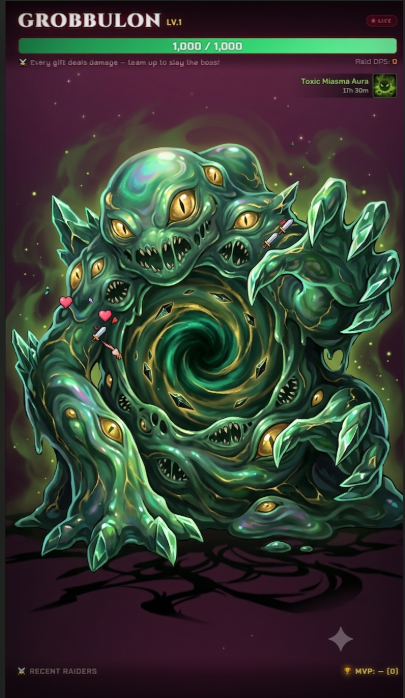 Raid Boss
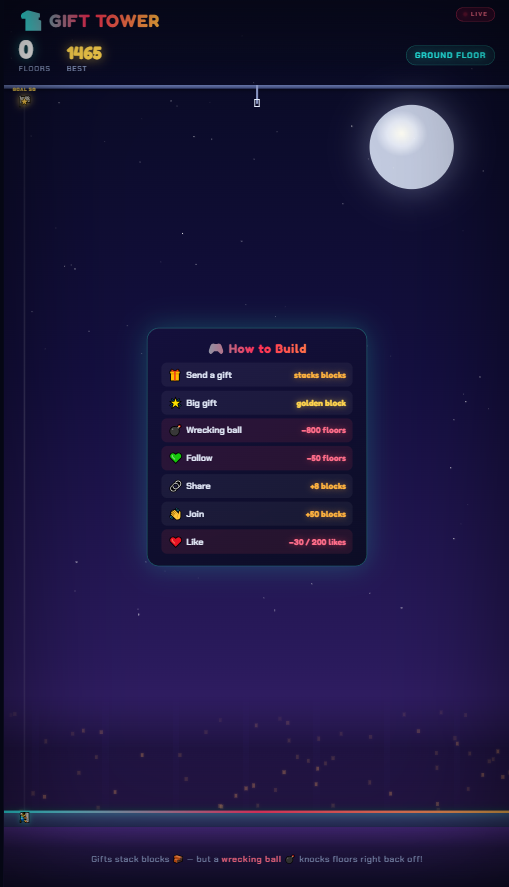 Gift Tower
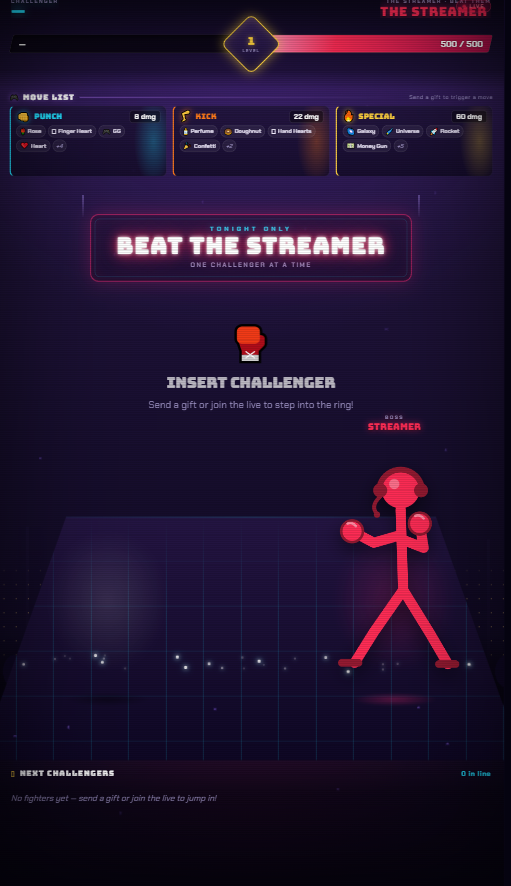 Beat the Streamer
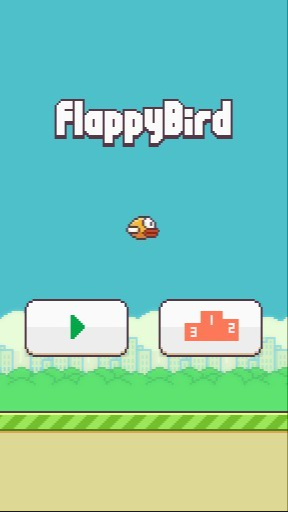 Flappy Bird
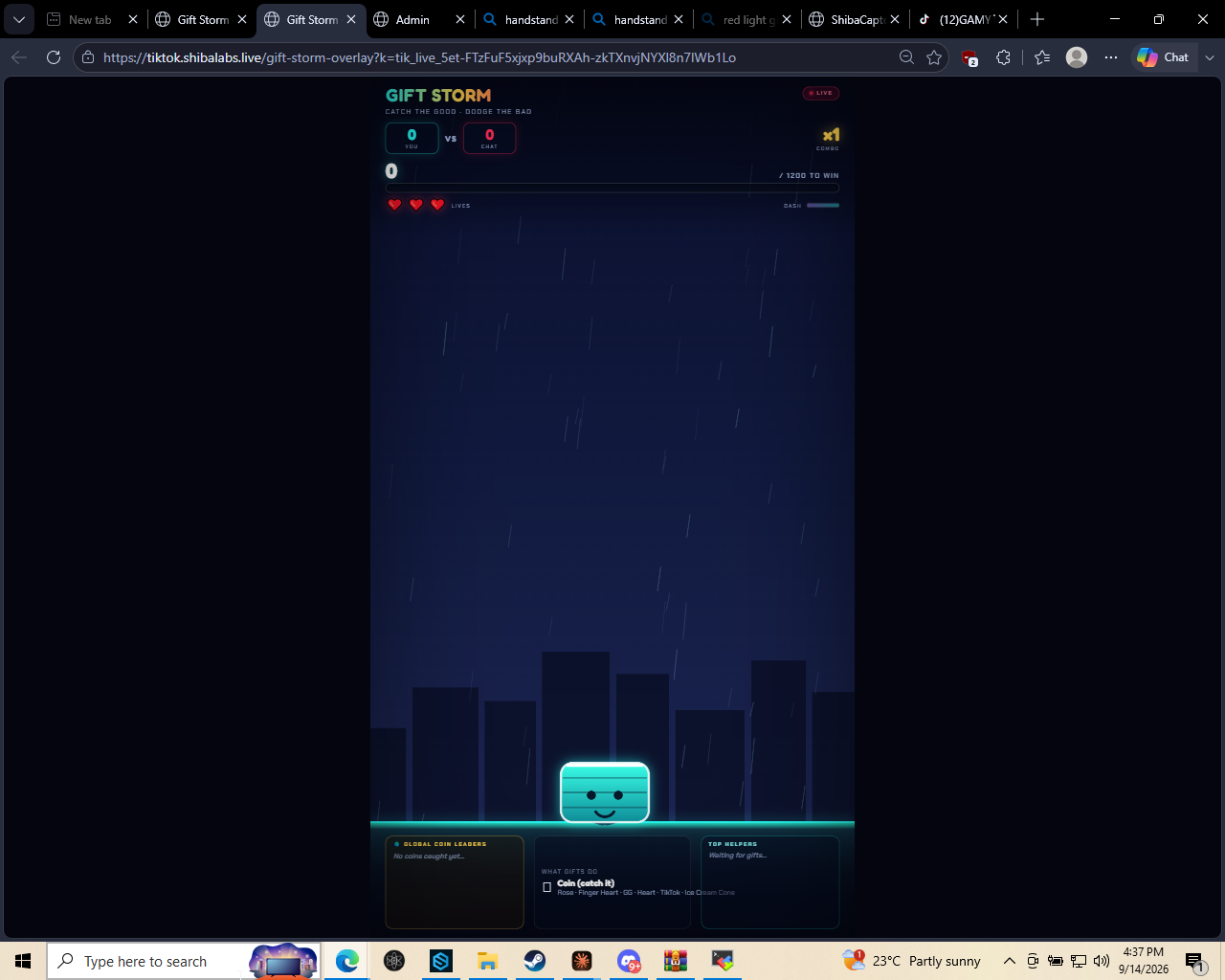 Gift Storm
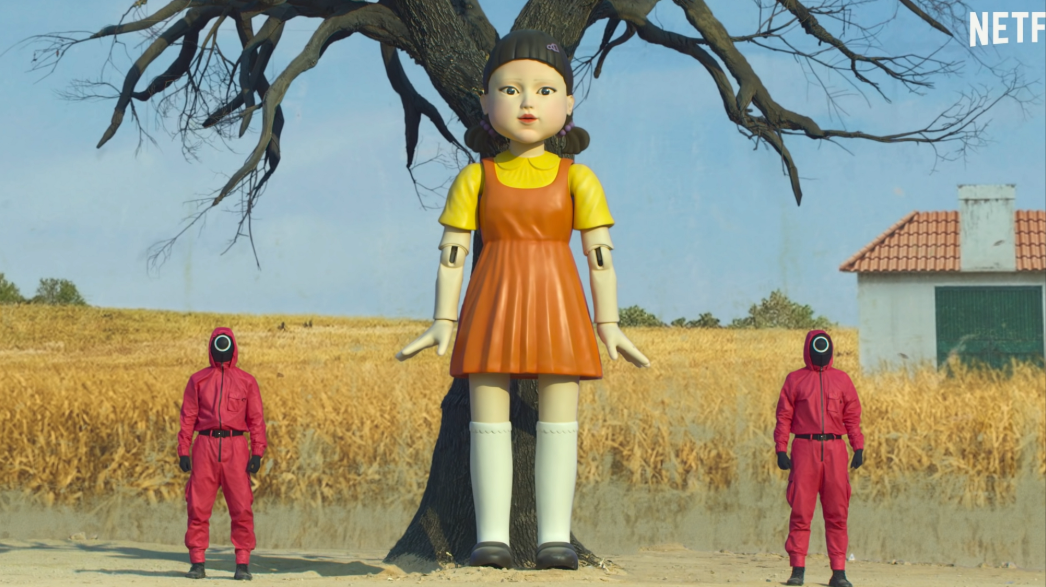 Red Light, Green Light
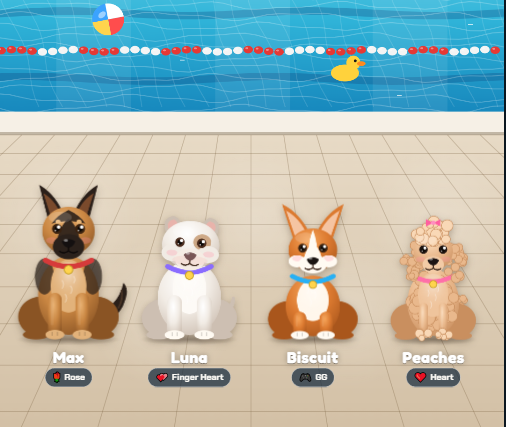 Dog Show
 World Leader Brawl
 Food Fight
 Melt the Ice
PFP Printer